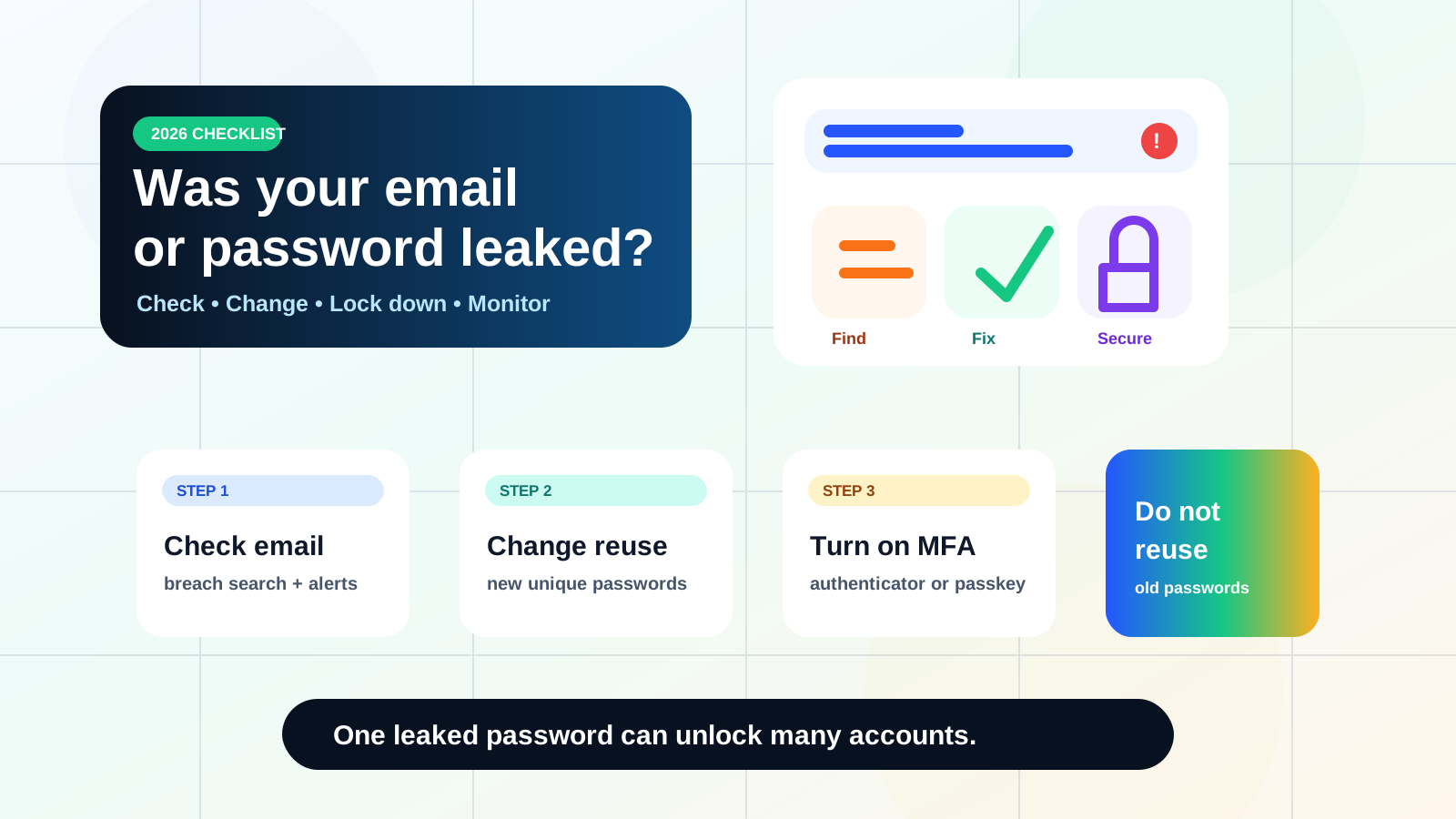
Quick answer
- Check your email address in a reputable breach lookup such as Have I Been Pwned.
- Use Google Password Checkup or your password manager to find reused, weak or compromised passwords.
- Change the password first on your email, banking, cloud storage, social media and work accounts.
- Turn on MFA or passkeys, then monitor for identity-theft warning signs.
A data breach does not always mean someone can enter your account today. Sometimes only your email address leaked. Sometimes a password leaked years ago. The danger becomes serious when you reused the same password on email, banking, shopping, cloud storage, work or social accounts.
Step 1: Check your email address
Go to Have I Been Pwned and search your email address. If it appears in known breaches, read which service leaked and what kind of data was exposed.
A result does not automatically mean your current account is hacked. It means that email appeared in a known data incident. Treat it as a signal to review passwords, MFA and recovery settings.
Do this first
If your email account itself uses an old or reused password, change that first. Email is the reset key for many other accounts.
Step 2: Check saved passwords
If you use Chrome or a Google Account, Google’s official Password Checkup can show compromised, reused and weak passwords saved in your account. Other password managers offer similar warnings.
Do not only change the password on the breached website. If the same password was reused anywhere else, change every reused copy.
Step 3: Prioritise the accounts that matter
If you have many warnings, do not panic. Fix the highest-risk accounts first:
| Priority | Account type | Why it matters |
|---|---|---|
| 1 | Controls password resets for other services. | |
| 2 | Banking, cards, tax, government ID | Can create direct financial or identity-theft risk. |
| 3 | Cloud storage and work accounts | May expose documents, photos or company data. |
| 4 | Social media and shopping | Can be used for scams, impersonation and saved payment abuse. |
Step 4: Turn on MFA or passkeys
The FTC says multi-factor authentication makes it harder for scammers to log in if they get your username and password. Use an authenticator app, security key or passkey where available. SMS codes are better than nothing, but app-based MFA or passkeys are stronger.
Step 5: Watch for identity-theft signs
If a breach exposed your name, address, phone number, government ID, financial details or tax information, follow the FTC’s identity-theft guidance. In the U.S., the FTC points consumers to IdentityTheft.gov for recovery steps.
What not to do
- Do not pay a random website that claims it can remove all leaked data instantly.
- Do not enter your real password into unknown “password checker” sites.
- Do not ignore old accounts. Old shopping, forum or game accounts can still be used for scams.
- Do not reuse the new password anywhere else.
Simple recovery checklist
- Search your email in Have I Been Pwned.
- Run Password Checkup or your password manager’s breach check.
- Change your email password first if reused or weak.
- Change all reused passwords on important accounts.
- Turn on MFA or passkeys.
- Update account recovery email and phone number.
- Check recent account activity and sign out old sessions.
- Monitor identity-theft risk if sensitive personal data leaked.
FAQ
Should I search my password online?
Do not type your current password into random websites. Use trusted tools from your password manager or services designed to protect password checks, such as Have I Been Pwned’s password service.
If my email was leaked, should I change every password?
Change passwords that were reused, weak or linked to breached accounts. Start with email, money, government, cloud and work accounts.
Is MFA enough if my password leaked?
MFA helps, but you should still change leaked or reused passwords. MFA reduces risk; it does not make reused passwords a good idea.