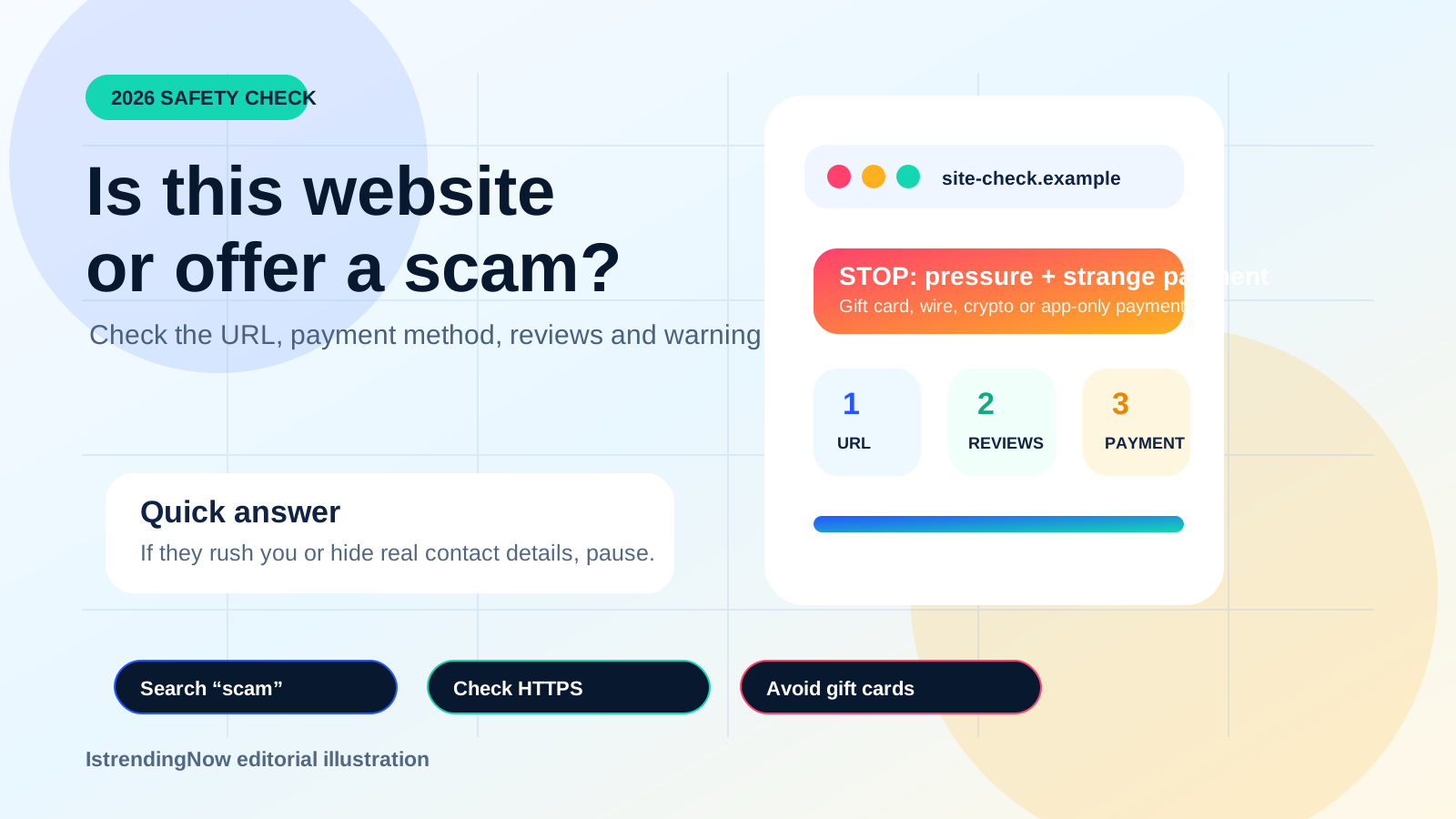
Quick answer
- Search the company or website name plus words such as “scam,” “complaint” or “review.”
- Do not trust the first paid search result or a phone number shown in an advertisement.
- Stop if the seller insists on gift cards, wire transfers, cryptocurrency or unusual payment apps.
1. Check how you reached the website
Do not assume the first result in Google or another search engine is the official business. The FTC warns that scammers can buy paid search ads using trusted company or government names and misleading contact details.
If you know the company’s real address, type it directly. For government services, start from an official government portal rather than a search advertisement.
2. Read the full web address
Look for misspellings, extra words, unusual subdomains or endings that do not match the real company. A scammer may use a domain that looks nearly correct at a quick glance.
HTTPS and the lock/security icon protect the connection, but they do not prove the seller is honest. The FTC specifically notes that scammers can use encrypted websites too.
Important warning
A padlock means the connection is encrypted. It does not mean the shop, job offer, investment or support agent is legitimate.
3. Search for independent complaints
Search the product, company, domain or phone number with words such as “complaint,” “scam,” “refund” or “review.” Read several sources and do not rely only on star ratings displayed by the seller.
The FTC warns that reviews and ratings can be fake or misleading. Look for repeated complaints about missing deliveries, blocked refunds, copied product photos or support that disappears after payment.
4. Check the payment method
Credit cards generally provide better dispute protection than irreversible payment methods. Stop if someone unexpectedly insists that you pay only using gift cards, wire transfers, cryptocurrency, cash or a payment app.
5. Inspect contact, refund and privacy information
- Is there a real business address and working support method?
- Does the refund/return policy explain dates, costs and exclusions?
- Does the site explain how personal and payment information is used?
- Does the company name match the name shown during payment?
6. Treat browser warnings seriously
Google Chrome’s Safe Browsing protection warns about known phishing, malware and social-engineering websites. If Chrome displays a full-page dangerous-site warning, do not continue unless you are certain the warning is incorrect.
If you already paid or shared information
- Contact the bank, card provider, payment app or transfer company immediately.
- Change any password you entered on the suspicious site, especially if you reused it elsewhere.
- Turn on multi-factor authentication for important accounts.
- Save receipts, messages, URLs, screenshots and payment records.
- Report the fraud to the appropriate consumer-protection or law-enforcement service in your country.
60-second scam check
- Did they contact you unexpectedly?
- Are they rushing you?
- Are they controlling exactly how you must pay?
- Can you independently verify the company and contact details?
- Would you still trust the offer if the discount or promised reward disappeared?