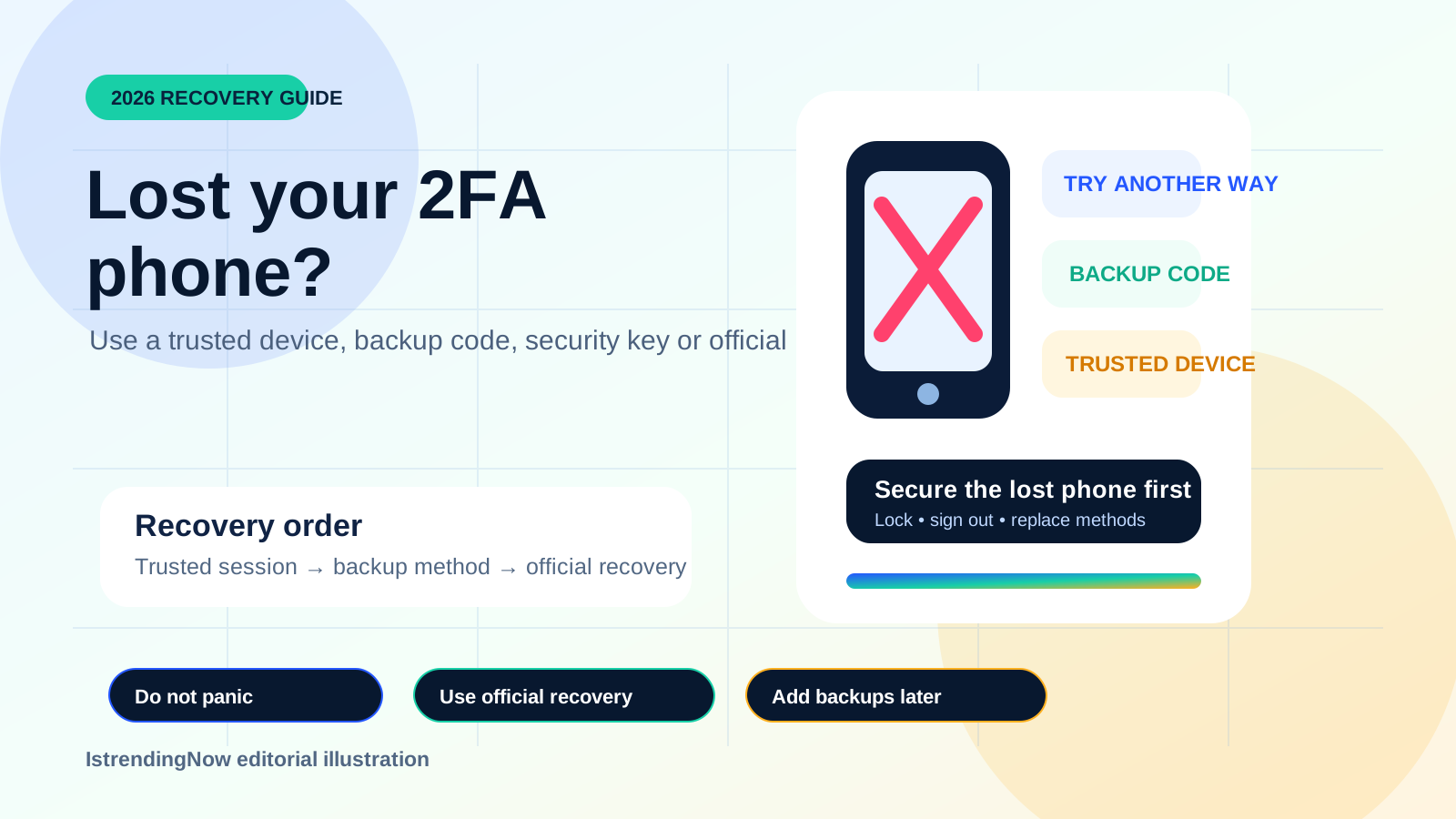
Quick recovery order
- Lock or erase the lost phone remotely and protect its SIM.
- Use a trusted device or browser session where you are already signed in.
- Select “Try another way” and use a backup code, alternate number, security key or passkey.
- If none work, use only the platform’s official account-recovery process.
First: secure the lost phone
Use Apple Find My, Google Find My Device or your device maker’s official service to mark the phone lost, lock it or erase it when appropriate. Contact the mobile carrier quickly if the SIM could be used to receive verification codes. Do not remove the phone from your account until you understand whether doing so will affect remote-lock or erase options.
Try a device where you are already signed in
A trusted computer, tablet or second phone may let you open account security settings without repeating the missing verification step. From there, add a new authentication method and remove the lost phone. Do not sign out of working sessions until recovery is complete.
Do not make the lockout worse
Keep trusted sessions open, use official recovery pages, and never give a verification or backup code to someone claiming they can recover the account for you.
Google Account
Google says users who lose their primary phone may be able to verify with another signed-in phone, another number already added, a saved backup code, a hardware security key, a passkey on another device or a trusted computer. If those options fail, follow Google Account recovery.
Apple Account
Use another trusted Apple device or trusted phone number if available. Apple’s advanced Security Keys feature requires a physical key or another trusted Apple device; Apple warns that losing all trusted devices and security keys can cause permanent lockout.
Microsoft account
Microsoft recommends keeping multiple pieces of security information. With two-step verification enabled, losing the only contact method can delay recovery, and Microsoft says regaining access can take 30 days in some cases.
Facebook and Instagram
Meta supports recognized devices, authentication apps, security keys and saved recovery codes. Facebook recommends attempting account recovery from a device previously used to log in. Instagram backup codes can replace a missing authentication code if they were saved earlier.
After you regain access
- Remove the lost phone and revoke old sessions.
- Change the password if the phone may have been unlocked or stolen.
- Generate new backup codes and store them offline.
- Add at least two independent recovery methods.
- Prefer passkeys, authenticator apps or security keys over SMS where practical.