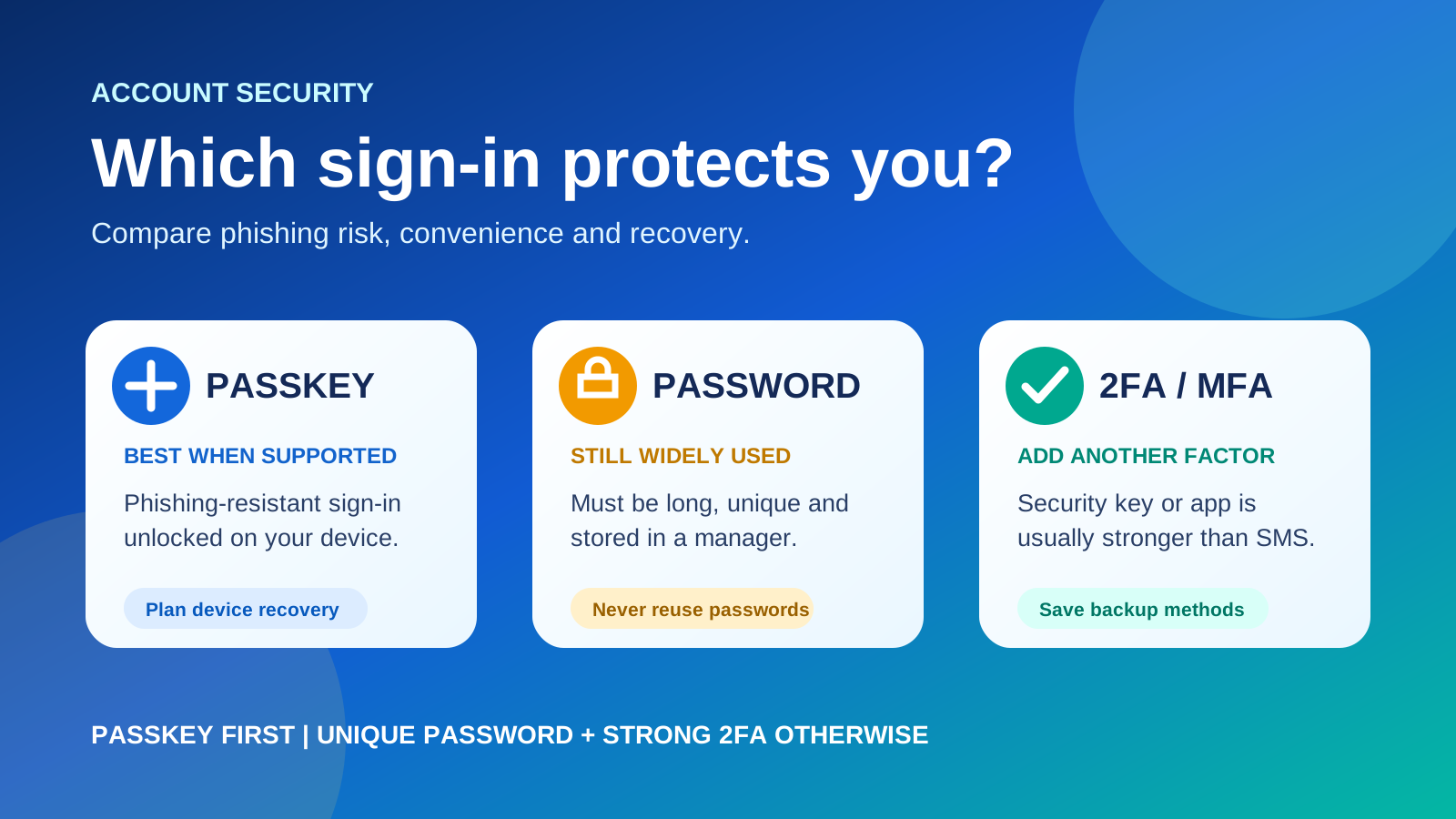
The short answer
- Best when supported: a passkey on devices and credential managers you control.
- Good fallback: a unique long password stored in a password manager plus authenticator-app or security-key 2FA.
- Better than nothing: a unique password plus SMS 2FA, while recognising phone-based risks.
- Avoid: reused passwords, password-only sign-in and recovery methods you have never tested.
Comparison table
| Method | Strength | Main weakness | Recovery concern |
|---|---|---|---|
| Passkey | Designed to resist phishing; no reusable secret typed into a site. | A compromised or unlocked device and weak account recovery can still create risk. | Know where passkeys are saved and how to access them on a replacement device. |
| Password alone | Works nearly everywhere. | Can be phished, guessed, leaked or reused across services. | Password reset often depends on email or phone access. |
| Password + SMS 2FA | Better than a password alone. | Codes can be phished; phone systems and SIM accounts add risk. | Losing the number or phone can cause lockout. |
| Password + authenticator app | Strong practical option where passkeys are unavailable. | Codes can still be entered into convincing phishing sites. | Back up or transfer the authenticator and save recovery codes. |
| Security key / FIDO MFA | Strong phishing-resistant protection. | Requires a compatible key, device and service. | Register a spare key or another secure recovery method. |
Best practical recommendation
Choose a passkey first. If the service does not support passkeys, use a password manager-generated unique password plus an authenticator app or physical security key. Keep at least two independent recovery options.
Why passkeys are usually safer
Passkeys use public-key cryptography and bind the credential to the legitimate app or website. Google says passkeys cannot be easily shared, copied or accidentally given to someone else and provide stronger protection against phishing. The device's PIN, fingerprint or face unlock releases the credential locally; biometric data is not sent to the website.
On some services, a passkey can replace both a password and the second authentication step. On others, passkeys may be offered alongside existing methods. Always check the service's recovery settings rather than assuming that adding a passkey removes every older login path.
Why passwords still need a manager
Passwords remain widely supported, but they are not phishing-resistant. NIST recommends using a password manager, adding multifactor authentication, and using a password of at least 15 characters when a password is required. Every account should have a unique password so one data breach does not unlock several services.
Not all 2FA methods are equal
Two-factor authentication adds another category of evidence to a password, such as possession of a phone or physical key. NIST notes that SMS and phone codes improve security over password-only sign-in but are vulnerable to phone-system and interception attacks. Authenticator apps are generally stronger, while FIDO security keys and passkeys are designed to resist phishing.
Choose by account importance
| Account | Suggested setup |
|---|---|
| Primary email, password manager, cloud storage | Passkey or security key, plus tested backup access and recovery codes. |
| Banking and financial accounts | Use the strongest method the institution officially supports; never share codes. |
| Social and shopping accounts | Passkey where available, otherwise unique password plus authenticator app. |
| Low-value account with limited options | Unique password plus any available 2FA; do not reuse an important password. |
Recovery checklist before switching
- Add a backup method that does not depend on the same phone.
- Save one-time recovery codes offline in a secure place.
- Know whether passkeys sync through a credential manager or stay on one device.
- Register a second trusted device or spare security key for critical accounts.
- Remove old devices and phone numbers you no longer control.
- Test recovery before deleting a working password or authenticator.